Grok Bot vs. the Alternatives: ChatGPT, Gemini Spark, Claude and OpenClaw Compared
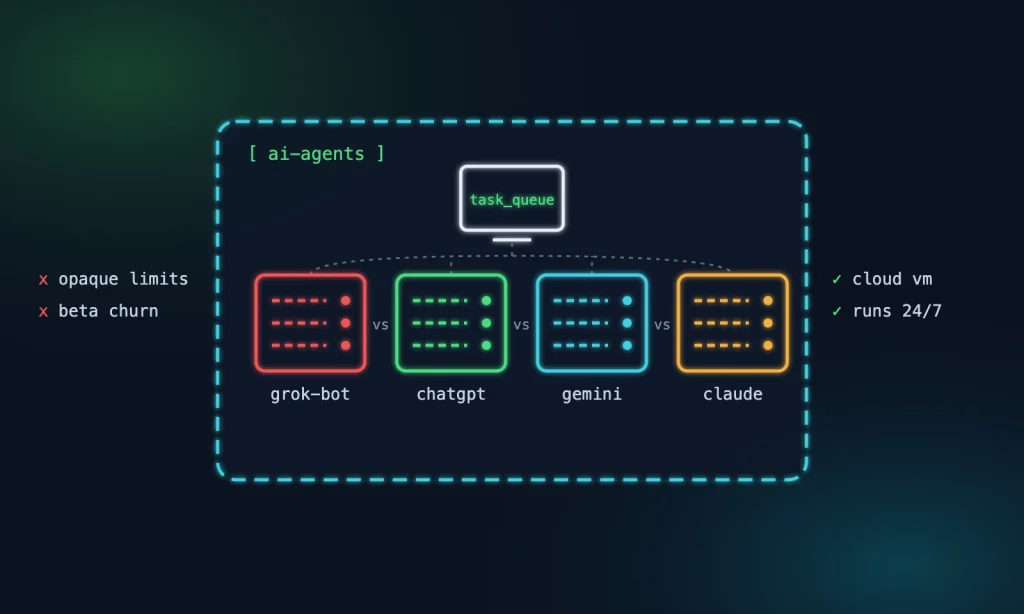
In my last post I covered how to stretch Grok Bot’s weekly allowance after xAI tightened limits in early November. The obvious follow-up question: is Grok Bot even the right agent to be paying for? Every major AI company now sells a “do the work for me” agent that runs in the cloud while your laptop is closed. Here’s how they stack up as of late November 2026.
The contenders
- Grok Bot (xAI)
- ChatGPT Work and Dots (OpenAI)
- Gemini Spark (Google)
- Claude Cowork (Anthropic)
- OpenClaw (self-hosted, for the homelab crowd)
Quick comparison
| Grok Bot | ChatGPT | Gemini Spark | Claude Cowork | |
|---|---|---|---|---|
| Runs where | Its own cloud computer | Cloud (Dots get their own cloud computer) | Google Cloud VMs | Cloud, plus desktop app for local files and browser |
| Cheapest plan with the agent | Premium, $30/mo | Plus $20 (ChatGPT Work); Dots need Pro | AI Pro, $19.99/mo (US) | Pro, $20/mo |
| Higher tiers | Super $100, Ultra $200 | Pro $100 to $500 | AI Ultra $100 / $200 | Max $100, Ultra $200 |
| Team seat (monthly) | $30 | $25 (Business) | Workspace plans | $25 (Team) |
| Scheduled / recurring work | Routines (min. 5 min apart, or app triggers) | Scheduled tasks | Recurring tasks | Scheduled tasks on all paid plans |
| Best at | X monitoring, team bots in Slack/Teams | Broadest no-code agents | Gmail, Docs, Calendar | Coding, long docs, file work |
| Biggest weakness | Opaque, recently cut limits | Constant product churn | Narrower app reach outside Google | Desktop needed for local files |
Prices are US list prices at time of writing and change often. Check each vendor’s pricing page before you buy.
Grok Bot (xAI)
Grok Bot launched in beta on August 11 and hit 1.0 in November. Each bot gets its own cloud computer, signs in to your apps through connectors and MCP servers, and can work with other bots. Version 1.0 added shared team bots that sit in Slack, Microsoft Teams and video calls, and “proactive” behavior where a bot can suggest work before you ask.
Pricing is $30 for Premium, $100 for Super (3.5x Premium usage) and $200 for Ultra (12x). Routines can fire on a schedule at least 5 minutes apart, or from Slack, GitHub, Linear, Sentry, PagerDuty, email or a webhook.
The good: native X search makes it the best of the bunch for tracking what people are saying on X, and the team-bot features are genuinely ahead of the pack.
The bad: xAI doesn’t publish actual quota numbers, you can’t choose the model, and the November limit cut left a lot of paying users stuck at 100% mid-week. The $30 team seat is also pricier than the $25 Claude Team and ChatGPT Business seats.
ChatGPT Work and Dots (OpenAI)
OpenAI replaced Operator and the old agent mode with ChatGPT Work, which works across your apps and files for hours and can run scheduled tasks. On Pro and Business Premium there are also Dots, always-on agents that each run on their own cloud computer. Work and Codex share one agentic allowance, separate from normal chat.
The good: the widest range of ready-made agents for non-technical people, and OpenAI went the opposite direction from xAI this fall, doubling the Work/Codex allowance on its Pro tiers on October 29. If you hit your limit mid-task, the current turn is allowed to finish.
The bad: product churn. The visual Agent Builder shuts down November 30 and custom GPTs retire December 11, so whatever you build today may not be there in six months. Dots also require Pro, which starts at $100.
Gemini Spark (Google)
Google announced Spark at I/O in May as a “24/7 personal agent.” It runs on Gemini 3.5 Flash on Google Cloud VMs, so it keeps going with your laptop shut, and it plugs straight into Gmail, Docs, Calendar and the rest of Workspace. It can browse through Chrome and connects to outside apps like Canva, OpenTable and Instacart over MCP. It launched on the $100 AI Ultra plan and, as of July, is rolling out to the $19.99 AI Pro plan in the US.
The good: if your life runs on Gmail and Google Calendar, nothing else is this integrated, and it’s the cheapest way into a real 24/7 cloud agent. It also asks for approval before anything high-impact, like a purchase.
The bad: it’s still labeled beta, US-first, and Google’s agent lineup (Spark, Antigravity, Jules, managed agents) is confusing. Gemini also moved to compute-based limits in May, so long chats and heavy features drain your allowance faster, same story as Grok Bot.
Claude Cowork (Anthropic)
Cowork started as a desktop-only agent and moved to the cloud in July, so tasks now keep running with no device online and you can start a task on your phone and check it later. Scheduled tasks are on every paid plan, and Anthropic is merging Chat and Cowork into a single Claude app. The desktop app is still where it reaches your local files and your real browser, and Claude in Chrome lets it act in your own signed-in tabs.
The good: strongest for coding and long documents, and the most flexible about where work runs: cloud, your desktop, your browser, or your own servers through the Agent SDK.
The bad: doing anything with local files still needs the desktop app running, and the developer-oriented agent builder isn’t aimed at non-technical users.
The homelab option: OpenClaw
If you’d rather not rent an agent at all, you can run one yourself. I covered setup in Running OpenClaw Safely at Home. You trade a subscription for your own hardware plus API token costs, and you’re responsible for sandboxing it properly. The upside is that nobody can cut your limits overnight.
Which one should you pick?
- You live on X or need social monitoring: Grok Bot.
- You want team bots sitting in Slack or Teams: Grok Bot, with the caveat about limits.
- You’re non-technical and want ready-made agents: ChatGPT.
- Your day runs on Gmail and Google Calendar: Gemini Spark.
- You code, write long docs, or work with files: Claude.
- You want full control and predictable cost: self-host OpenClaw.
My take: Grok Bot has some of the most interesting ideas in this space, but right now it’s the hardest to budget for. With no published quotas and a limit cut that landed without warning, I’d only make it my main agent if X monitoring or Slack team bots are the whole point. For most people, the agent that already lives where your work is (Google, Microsoft, or your terminal) will get more done per dollar.
Sources: FourWeekMBA (Grok Bot 1.0 pricing), BuiltWithAgents, wojciech.io, BleepingComputer, OpenAI Codex pricing, The Next Web, 9to5Google, 9to5Google (Gemini limits), The New Stack, Claude Help Center.