Running OpenClaw Safely at Home
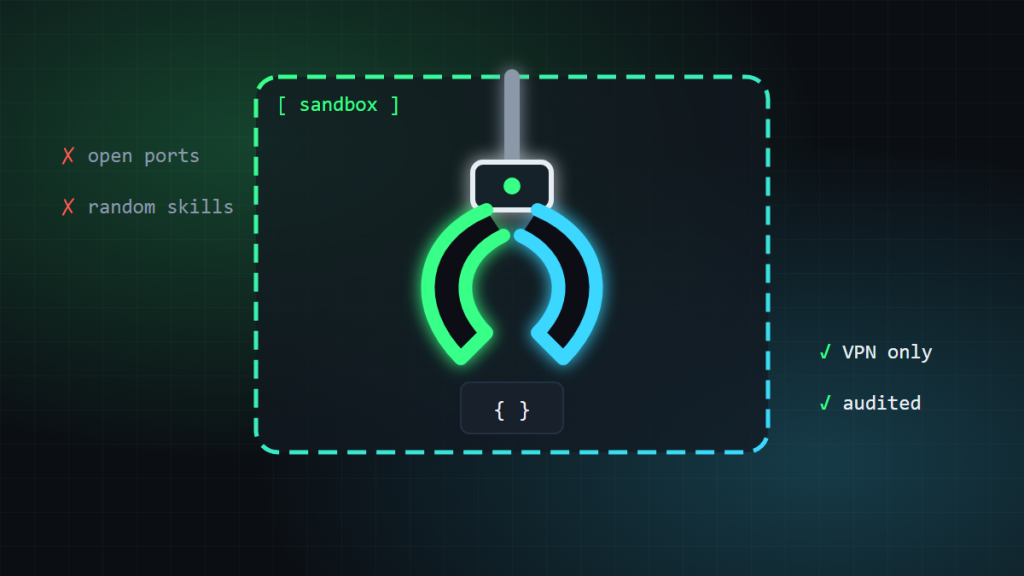
OpenClaw is an open-source AI assistant you run on your own hardware. You chat with it through apps you already use, like Telegram, WhatsApp, Discord or Slack, and it can actually do things: run commands, manage files, browse the web and work with your accounts.
That power is exactly why you need to set it up carefully. Here’s how I’d run it at home without opening the door to attackers.
Why care about security first?
OpenClaw took off fast, and security researchers found tens of thousands of instances sitting wide open on the internet, some leaking API keys, bot tokens and chat histories. Researchers auditing ClawHub, the community skill marketplace, also found hundreds of malicious skills. An AI agent with access to your machine is only as safe as the box you put it in.
Step 1: Give it its own machine
Don’t install OpenClaw on your everyday PC. Give it a separate box where a mistake can’t touch your personal files. A Proxmox VM or container is perfect for this (see my Proxmox homelab guide). A Debian or Ubuntu VM with 2 CPU cores, 4 GB of RAM and 20 GB of disk is plenty to start, and you can snapshot it before you try anything risky.
Step 2: Install it
OpenClaw runs on Node.js. Install a current Node release first (check the official install docs for the exact supported versions, since they change), then run:
npm install -g openclaw@latest
openclaw onboard --install-daemon
The onboarding wizard walks you through choosing an AI model provider, adding your API key and connecting a chat app. --install-daemon sets it up to keep running in the background.
Step 3: Never expose it to the internet
This is the big one. Don’t port-forward OpenClaw’s gateway or dashboard on your router. Most of the exposed instances researchers found got that way because someone opened a port to reach it from outside.
If you need to reach it remotely, use a private connection instead:
- A VPN like Tailscale or WireGuard
- An SSH tunnel (set up SSH keys first)
Step 4: Treat every skill as untrusted code
Skills add new abilities to OpenClaw, but they’re code that runs with the agent’s access. Before installing one:
- Read what it actually does, or skip it
- Prefer well-known skills with an active maintainer
- Never paste “setup commands” a skill page tells you to run unless you understand them
- Keep the list of installed skills short
Step 5: Limit what it can reach
- Use separate, low-stakes accounts for the chat apps you connect
- Don’t give it your main email, banking or work accounts
- Set a spending limit on your AI provider’s API key
- Turn on sandboxing so its tools run inside Docker containers rather than directly on the host
Step 6: Audit and update
OpenClaw has a built-in security check. Run it after setup and after any big change:
openclaw security audit --deepUpdate regularly, because security fixes land often:
npm install -g openclaw@latestIf you ever find your instance was exposed to the internet, assume it was compromised: shut it down, rotate every API key and token it had, and rebuild it fresh.
Set up like this, OpenClaw is a genuinely fun and useful addition to a homelab. Just keep it on a short leash.