7 Ways to Lock Down Your WordPress Site
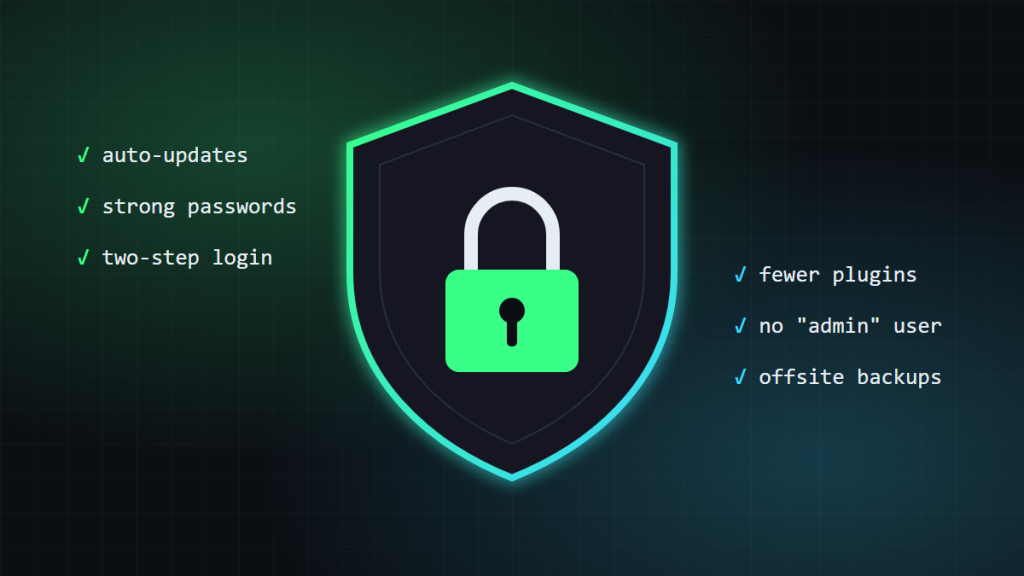
Most WordPress hacks aren’t clever. They get in through an old plugin, a weak password or a forgotten admin account. Here are seven simple things that block the vast majority of attacks.
1. Keep everything updated
Outdated plugins and themes are the number one way sites get hacked. Go to Dashboard → Updates and turn on automatic updates for WordPress core, plugins and themes.
2. Delete plugins and themes you don’t use
A deactivated plugin can still be exploited. If you’re not using it, delete it. Keep one default theme as a backup and remove the rest.
3. Use a strong, unique password
Use a password manager and give every account its own long, random password, especially your hosting, domain and email accounts. If one leaks, the others stay safe.
4. Turn on two-step login
Two-step login means a stolen password alone isn’t enough. Turn it on for your hosting account, and add it to WordPress with a well-known plugin like Two Factor.
5. Don’t use “admin” as your username
Bots try “admin” first. Pick something unique, and check Users for any accounts you don’t recognise.
6. Only install plugins from trusted sources
Stick to the official WordPress plugin directory and check that a plugin is actively maintained. Never install “free” copies of paid plugins, which very often come with malware built in.
7. Keep backups somewhere else
Back up regularly, and keep a copy off your web host, on your own computer or in cloud storage. If the worst happens, you’ll be able to recover your posts.
If your site does get hacked, don’t try to clean it in place. Take it offline, change every password, and rebuild from a fresh install.